
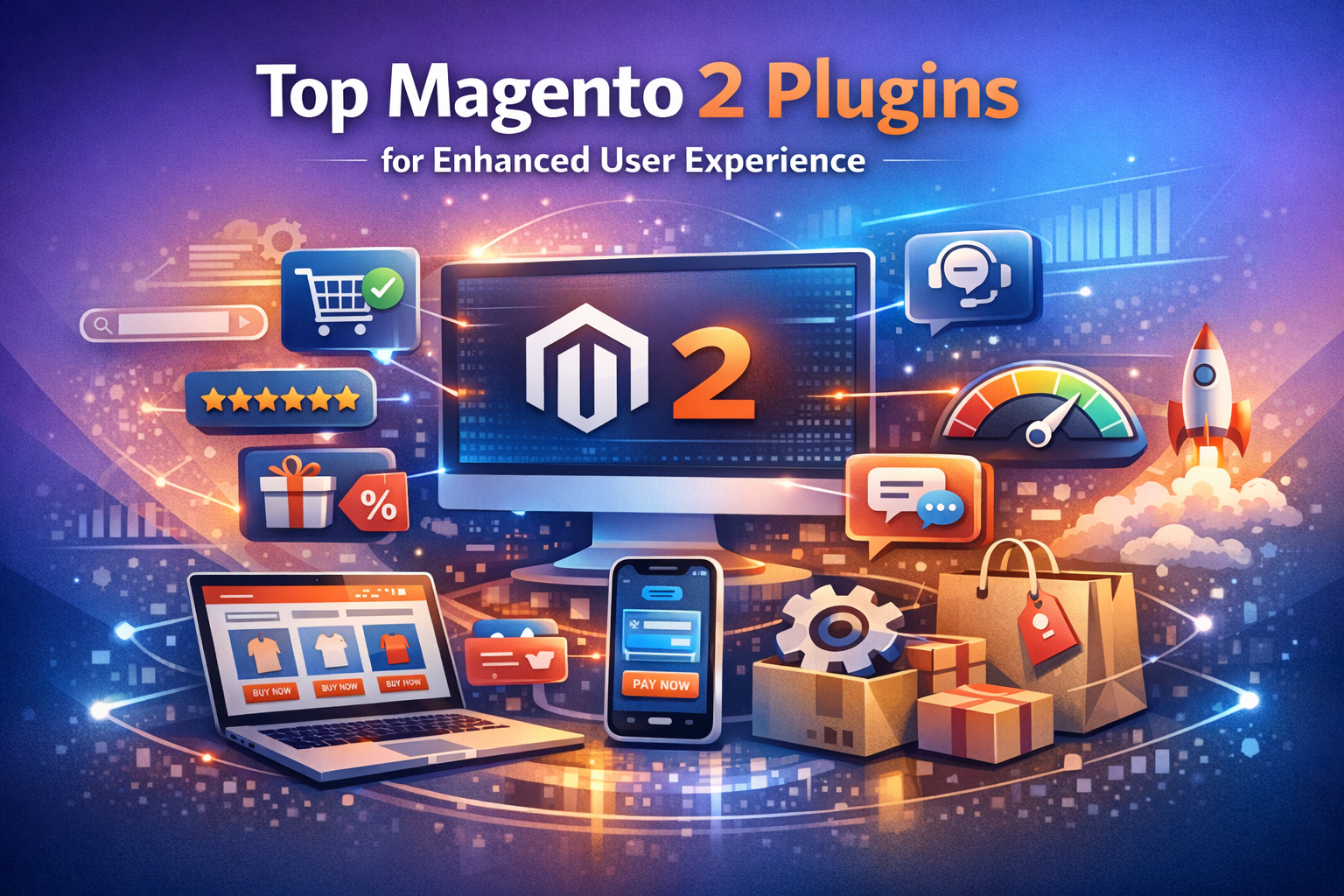
1. Why User Experience Matters in Magento Stores
Before diving into specific plugins, it’s important to understand why user experience (UX) is critical for your Magento store’s success. UX impacts how customers interact with your store and can influence:
- Site navigation and product discovery
- Page loading speed and responsiveness
- Checkout process efficiency
- Mobile usability
- Customer support and engagement
Improving these aspects leads to higher conversion rates, repeat purchases, and positive reviews.
2. Top Magento Plugins to Boost User Experience
Here are some of the best Magento plugins designed to enhance your store’s UX:
a) Amasty Improved Layered Navigation
Layered navigation helps customers filter products efficiently, especially in stores with large catalogs. Amasty’s plugin adds AJAX-powered filters, multiple filter types, and SEO-friendly URLs.
- Instant filter updates without page reloads
- Multi-select filters for flexible product search
- Mobile-friendly interface
b) Mageplaza One Step Checkout
A complicated checkout process leads to cart abandonment. Mageplaza’s One Step Checkout streamlines this by consolidating all checkout fields into a single page.
- Reduces checkout time
- Supports guest checkout and social login
- Customizable layout and fields
c) Yotpo Reviews & Ratings
Customer reviews build trust and improve purchase decisions. Yotpo is a powerful review plugin that collects and displays user-generated content effectively.
- Automated review requests via email
- Rich snippets for SEO enhancement
- Customizable review widgets
d) MageWorx Advanced Product Options
This plugin enhances product customization, allowing customers to select options with ease.
- Supports file uploads, color swatches, and dependent custom options
- Improves product page usability
- Flexible pricing options based on selections
e) Amasty Blog for Magento 2
Content marketing is a key part of user engagement. Amasty’s blog extension enables you to create and manage a blog integrated into your store.
- SEO-friendly blog posts
- Multiple post formats and categories
- User comments and social sharing
3. How to Choose the Right Magento Plugin for Your Store
Choosing the right plugin is crucial for maximizing user experience without compromising site performance. Follow these actionable steps:
- Identify UX pain points: Analyze user behavior and feedback to find areas needing improvement.
- Check plugin compatibility: Ensure the plugin supports your Magento version and other installed extensions.
- Evaluate performance impact: Choose plugins optimized for speed and minimal resource usage.
- Read user reviews and ratings: Learn from other merchants’ experiences.
- Test in a staging environment: Before deploying on your live site, test functionality and compatibility.
4. Installing and Configuring Magento Plugins
Once you select a plugin, follow these general steps to install and configure it:
- Backup your store: Always create a full backup before installing new extensions.
- Download the plugin package: Obtain it from the official marketplace or vendor website.
- Upload and install: Use Magento Admin Panel or Composer to install the plugin.
- Run setup commands: Via SSH, run
bin/magento setup:upgradeand clear caches. - Configure settings: Access the plugin settings from the admin menu to customize features.
- Test functionality: Check front-end and back-end performance and UX improvements.
5. Additional Tips to Enhance Magento User Experience
Beyond plugins, consider these best practices to improve UX:
- Optimize site speed: Use caching, CDN, and image optimization.
- Mobile responsiveness: Ensure your theme and plugins support mobile devices.
- Clear navigation: Use intuitive menus and search features.
- Personalization: Use plugins that offer personalized product recommendations.
- Secure checkout: Implement SSL certificates and trusted payment gateways.
Frequently Asked Questions (FAQ)
Q1: Are Magento plugins safe to use?
Yes, provided you download plugins from trusted sources like the Magento Marketplace or reputable vendors. Always keep your plugins updated and regularly audit their permissions.
Q2: Can plugins affect my site’s speed?
Some plugins can impact site performance if poorly coded or if they add heavy scripts. Always test plugins in a staging environment and monitor site speed after installation.
Q3: Do I need developer assistance to install Magento plugins?
While many plugins can be installed via the Magento Admin Panel or Composer, complex plugins or customizations may require developer support to ensure proper integration.
Q4: How often should I update Magento plugins?
Regularly updating plugins is crucial for security, compatibility, and performance. Check for updates monthly or whenever Magento releases a major update.
Q5: Can plugins help with SEO?
Yes. Many Magento plugins offer SEO enhancements, such as optimized URLs, rich snippets, and meta tag management, which can help improve search engine rankings.
Conclusion
Enhancing user experience on your Magento store is essential for driving sales and building customer loyalty. Using the right plugins like Amasty Improved Layered Navigation, Mageplaza One Step Checkout, and Yotpo Reviews can transform how users interact with your store. Remember to choose plugins carefully, test thoroughly, and complement them with best practices like optimizing speed and mobile usability. By doing so, you create a seamless shopping journey that keeps customers coming back.



Leave A Comment